


Ok, it’s been a while, but here goes.
iDRAC uses a Java client. Since Oracle started charging for Java the browsers all use emulators. These work about as well as an ashtray on a motorcycle. My go-to for this is an old version of Firefox Portable edition installed on a USB stick with an old Java client. It works but it’s still pretty poo. Also, depending on the age of the server, it might need iDRAC enterprise to get the desktop in a browser. It’s a license key basically.
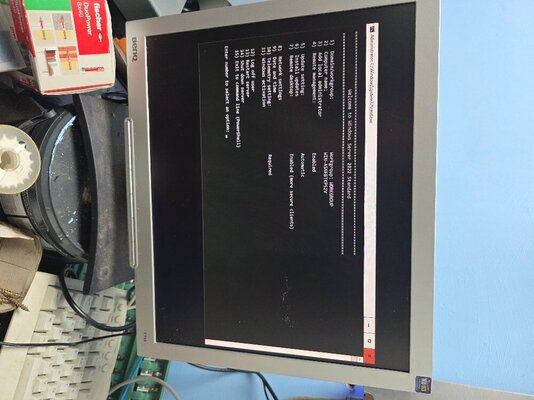
Server 2022 has to be installed as a full version, not headless or command line only. There should be a proper Dell image for this available as a ISO download. Search in SUPPORT and DRIVERS using the service tag. The Dell version includes all the drivers you need etc. Once that’s done you can use the RDP client which I would do through a VPN. Best to not expose 3389 to the general internet.
If you want a hand over a shared screen just ping me. Happy to help out.
iDRAC uses a Java client. Since Oracle started charging for Java the browsers all use emulators. These work about as well as an ashtray on a motorcycle. My go-to for this is an old version of Firefox Portable edition installed on a USB stick with an old Java client. It works but it’s still pretty poo. Also, depending on the age of the server, it might need iDRAC enterprise to get the desktop in a browser. It’s a license key basically.
Server 2022 has to be installed as a full version, not headless or command line only. There should be a proper Dell image for this available as a ISO download. Search in SUPPORT and DRIVERS using the service tag. The Dell version includes all the drivers you need etc. Once that’s done you can use the RDP client which I would do through a VPN. Best to not expose 3389 to the general internet.
If you want a hand over a shared screen just ping me. Happy to help out.