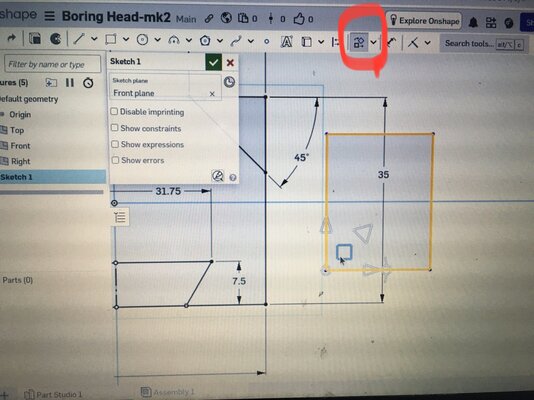



This is a bit of a late night rant.
I’m trying to learn some CAD so have signed up to the free version of OnShape.
Why on earth can’t you simply just click on the rectangle and drag it over to the circle where I want it to go? It’s clearly me because the bought version of this is thousands of pounds so must be useable if it commands that price.
As you’ll see from the tab I’ve googled it which suggest going into transform then translate by distance which to a ludite seems an incredibly long winded way of doing things. I’ve tried this suggested way which doesn’t work either.
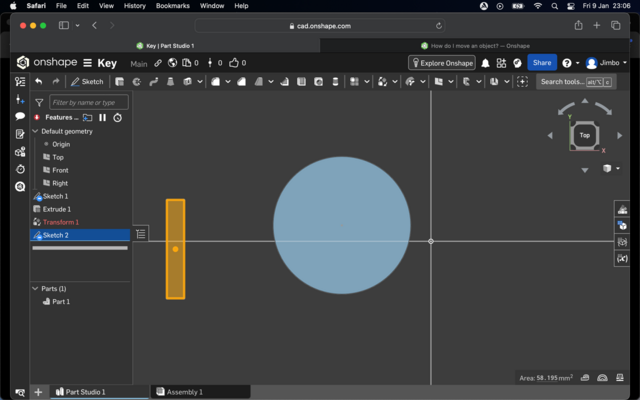
I’m baffled. Anyway time for bed.
I’m trying to learn some CAD so have signed up to the free version of OnShape.
Why on earth can’t you simply just click on the rectangle and drag it over to the circle where I want it to go? It’s clearly me because the bought version of this is thousands of pounds so must be useable if it commands that price.
As you’ll see from the tab I’ve googled it which suggest going into transform then translate by distance which to a ludite seems an incredibly long winded way of doing things. I’ve tried this suggested way which doesn’t work either.
I’m baffled. Anyway time for bed.


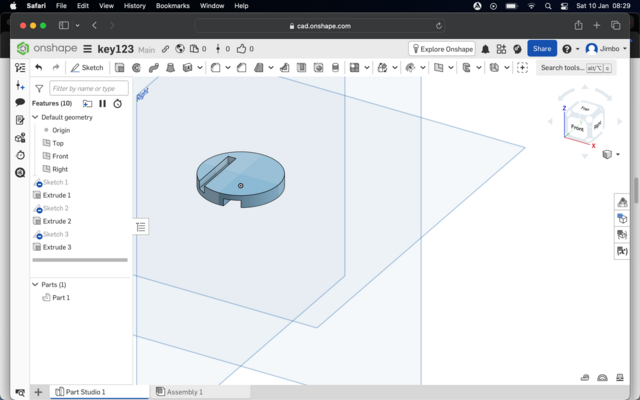


 Keep at it!